
Upload or scan a photo.
Snap a printed photograph or choose one from your library. Bring one memory, or a whole collection.
Repair damage, restore detail, and bring back natural color.
Your first photo free. No credit card required.
iOS app coming soon.


No complicated editing. Just a photograph worth keeping.
Snap a printed photograph or choose one from your library. Bring one memory, or a whole collection.

AI repairs wear, restores clarity, and adds natural color. Compare the result with your original.
Add the names, dates, and stories you remember. Some details belong in your own words.
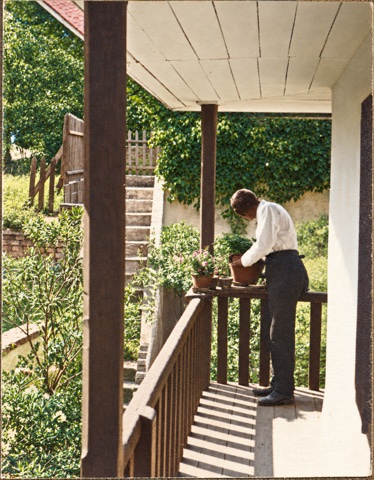
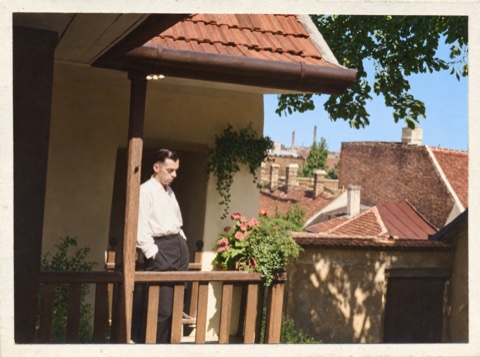
A family photograph, brought back to life. Compare the worn original with the repaired, colorized restoration.
Drag the slider to see before and after.
Repair damage. Restore detail. Bring back color.
Your first restoration is free. Subscribe for cloud storage, galleries, and sharing, or buy credits for photos kept on your device.
25 photo restoration credits
50 photo restoration credits
25 photo restoration credits every month
Prices in USD. 1 credit restores 1 photo at High quality, up to 2K. Paid credits do not expire. Subscriptions renew monthly until canceled.
The $10 monthly Plus plan includes 25 credits, 1 GB of cloud storage, and gallery creation and sharing. Credit packs include no cloud storage. When Plus ends, sharing stops. Download your cloud photos within 60 days before they are deleted. Photos saved on your device remain there unless you remove them or the app.
Learn your way around with guided, interactive lessons. Follow the highlight and try each step with sample photos.
Upload, restore, compare, and save.
Try the restoration tutorial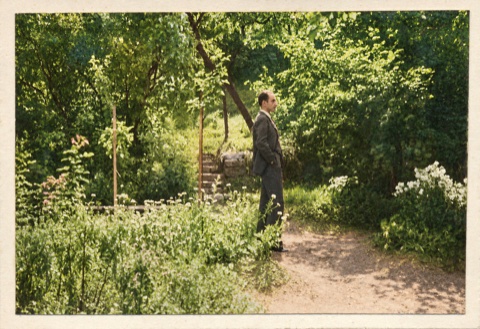
Name a gallery and choose its photographs.
Try the gallery tutorial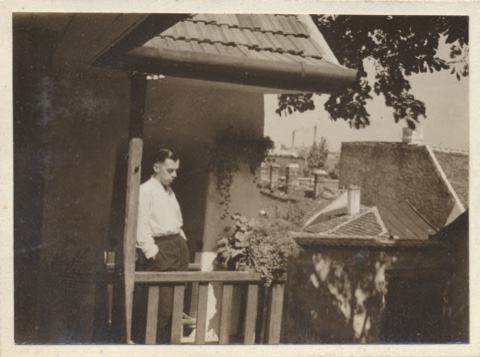
Pin the corners, straighten, and restore.
Try the cropping tutorialMore to explore: Sharing galleriesFixing perspectiveAdding photo details
A little more about your photos
and how restoration works.
Restoration can reduce scratches, fading, and other visible wear, improve clarity, and add plausible natural color to black-and-white photographs. Results depend on the condition of the original.
Yes. The app keeps the original alongside the restoration in All photos, so you can compare both at any time. Exporting or sharing a restoration does not replace your original.
AI infers color from the photograph. Those colors are an interpretation, not a verified historical record. We encourage you to compare the result and keep the original.
You can save an individual photo and share the device copy through messaging or email. The $10 monthly Plus subscription is required to create galleries and share password-protected gallery links. Recipients need the link and password, but no account or subscription.
The website offers one free restoration credit. Photos saved in the browser depend on its available local storage and may disappear if browser data is cleared. Cloud storage requires the $10 monthly Plus subscription.
Your first photo free. No credit card required.
iOS app coming soon.